SeeBrees — HEPA-filtered active face shield with companion app

Constraint
The box they were trapped in
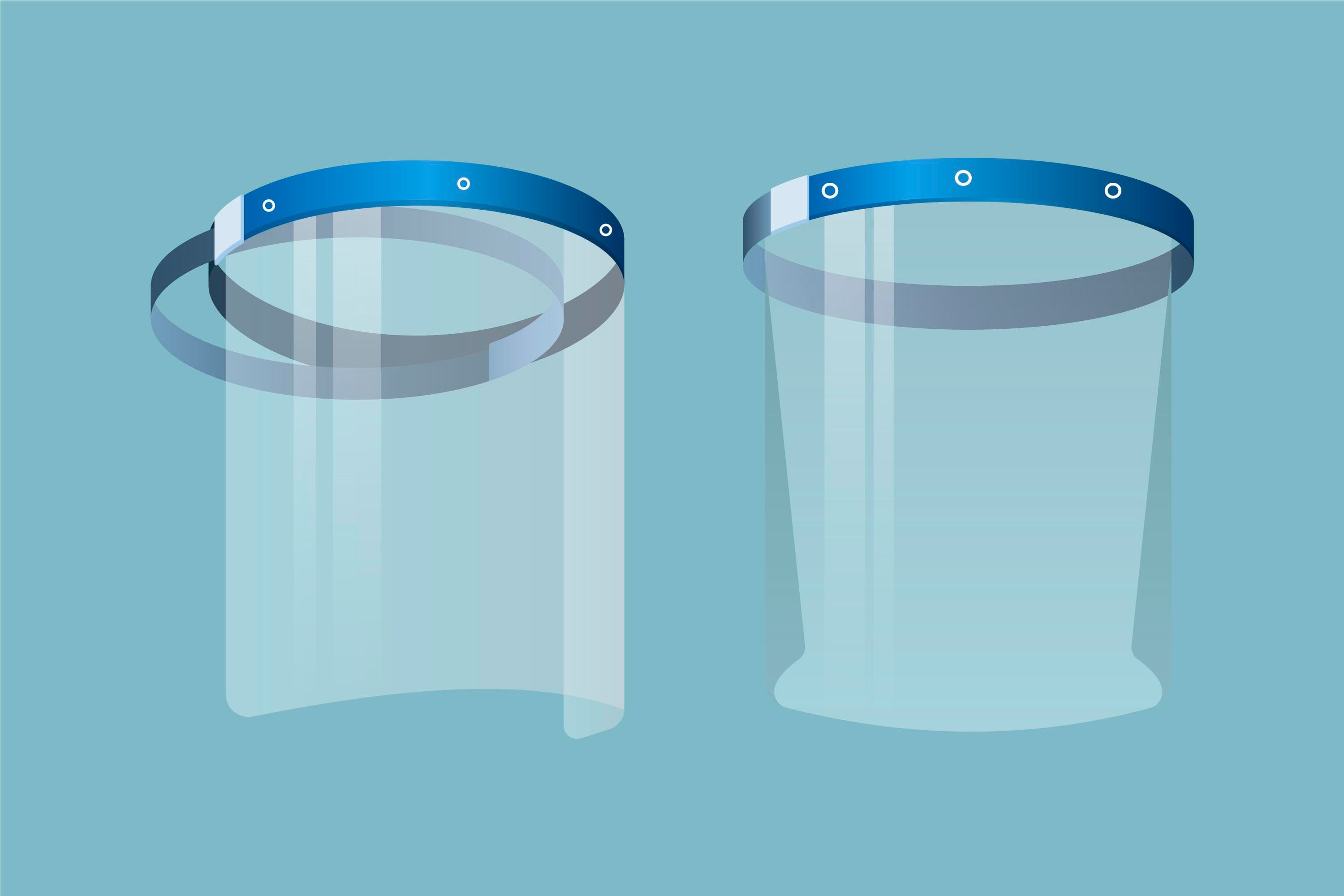
SeeBrees wanted a wearable face shield that actively pushes filtered air across the wearer's face — fan-driven, with optional ionisation — but that has to live on a battery, sit on someone's head all day, and be controlled from a phone without a clunky physical UI. The hard parts: power budget, two PCBs that have to share an enclosure with a moving fan, and a Flutter app that has to talk reliably to the device over BLE without draining either side.
Approach
How we attacked it
ESP32 (Arduino on PlatformIO) running PWM fan-speed control and the ionisation toggle, with low-power firmware modes that drop the radio and the fan envelope down when the user isn't actively adjusting things. Two custom PCBs in the head unit: one for fan and ionisation control, one for battery management with USB-C charging and status LEDs, kept separate so the noisy fan supply doesn't sit next to the BLE radio. A Flutter app for iOS and Android handles the wireless control surface — fan speed, ionisation, battery state — over a custom BLE GATT profile, with the same UI on both platforms.
Decisions
What we picked, and what we rejected
Two PCBs in the head unit (fan + ionisation, separately battery)
A single board would have shaved assembly steps but mixed the noisy switching supply with the BLE antenna and the analog fan-tach feedback. Splitting the boards isolates the rails, keeps the radio clean, and means we can revise the battery board for a new cell chemistry without touching the fan controller.
Arduino on PlatformIO over bare ESP-IDF
The fan loop and the BLE callbacks are cooperative, not hard real-time. Arduino on PlatformIO got the firmware to first usable build in days instead of weeks, and its FastLED-style library catalog plays well with the way Flutter expects the BLE GATT profile to behave.
Flutter cross-platform companion app over native iOS + Android
A device-control app is mostly the same screen on both platforms — pair, set fan speed, see battery. Two native codebases would have doubled the maintenance for a UI that doesn't benefit from per-OS polish. Flutter shipped both stores from one Figma source and one BLE integration.
BLE for control over Wi-Fi
A face shield doesn't need internet. BLE pairs once, draws negligible power compared to a Wi-Fi radio, and lets the device sit on someone's head all day without draining the battery to keep a Wi-Fi link alive. It also kept the firmware simpler — no AP provisioning UX inside the Flutter app.
Trade-off
What we didn't build
Two PCBs and a small wiring loom inside the headgear instead of a single board: more assembly steps, but it kept the switching power supply away from the BLE antenna and let us iterate the battery board without re-spinning the fan controller. We picked Arduino on PlatformIO over bare ESP-IDF — the device runs cooperative loops and BLE callbacks, not hard real-time tasks, and the framework saved us weeks on the firmware bring-up. Companion app stayed cross-platform Flutter rather than two native builds because feature parity matters more than per-OS polish on a device-control app.
Outcome
What changed after we shipped
Shipped: PCBs, firmware, and a paired Flutter app for iOS and Android. Users adjust fan speed, toggle ionisation, and watch the battery from their phone instead of fumbling for a button under their chin. The two-board layout has held up through enclosure revisions without needing a top-to-bottom firmware port.
Talk to us
Have a similar project in mind?
Tell us what you're working on. We'll let you know whether it's a fit.